
Android TV
Available nowSee live cameras, catch up on events, and keep favourite cameras close on your TV home screen.
Get Fricam on Android TV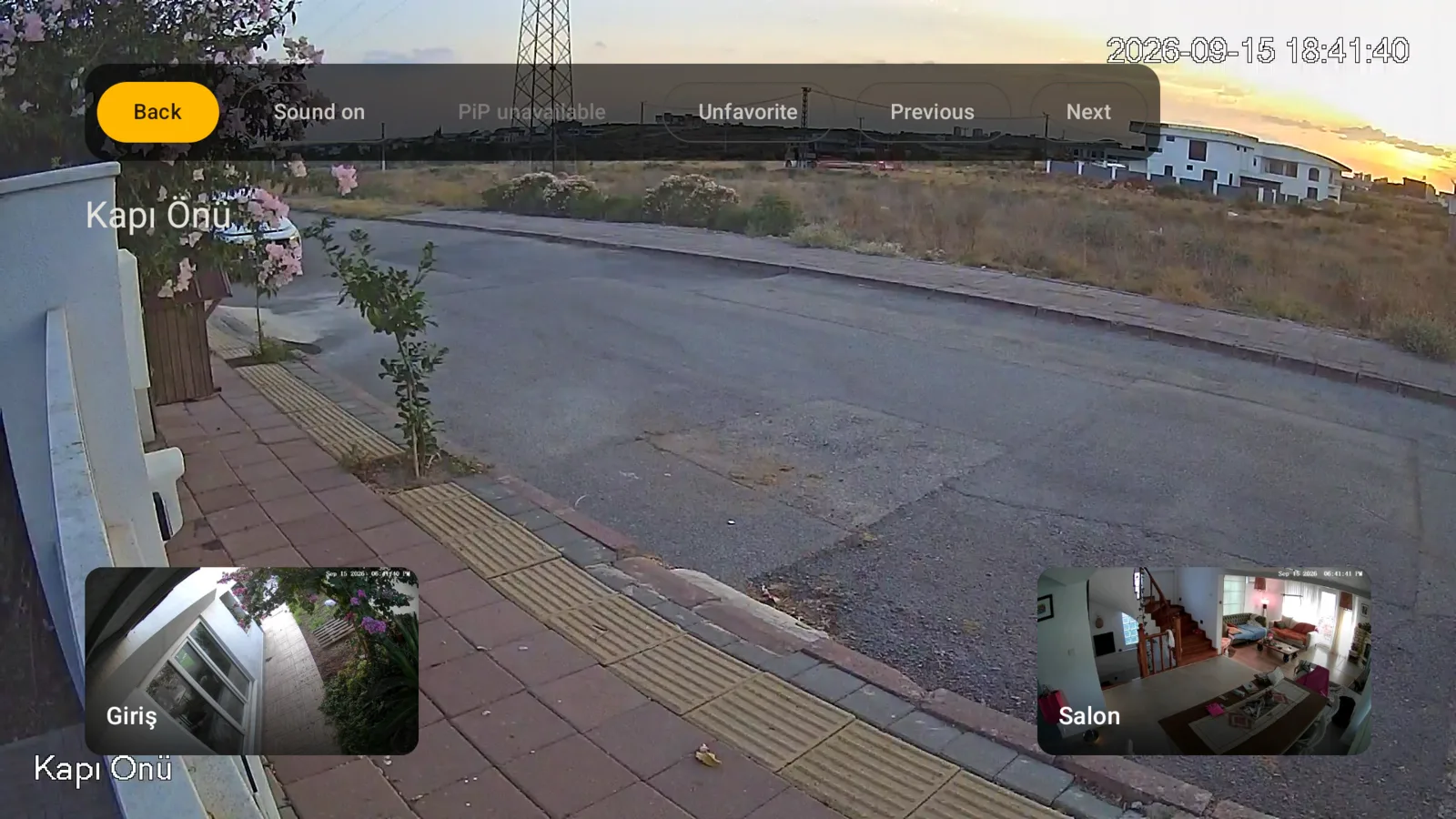
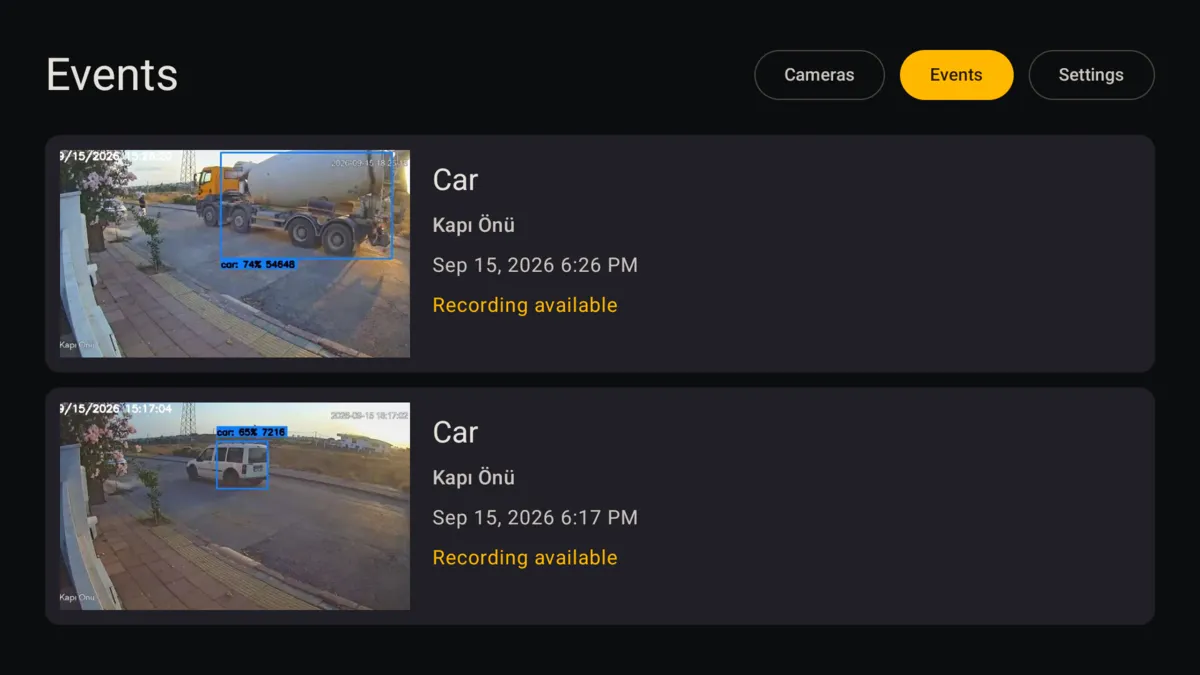
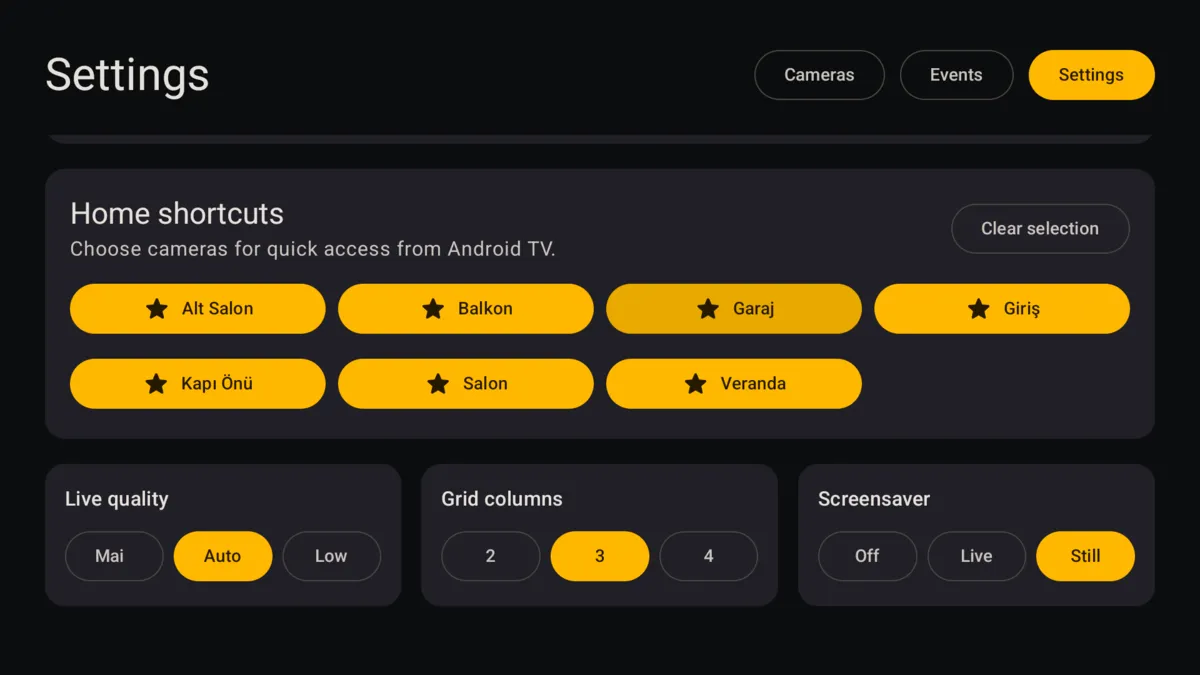
1 / 3
 Fricam
Get Fricam
Fricam
Get Fricam
Open cameras, review detections, and jump into live video without wrestling with a desktop dashboard.
Complete demo included. A Frigate server is required for your own cameras. Fricam Edge is optional.
Live from the server you control
Direct by defaultNo shared camera cloud
Try before setupExplore the complete demo
Made for your devicesAndroid, Android TV, iPhone, iPad, Apple Watch & Apple TV
Browse your Frigate cameras and check what happened from the sofa, with native TV apps made for the big screen.
Android TV and Apple TV
Available now
See live cameras, catch up on events, and keep favourite cameras close on your TV home screen.
Get Fricam on Android TVOpen live cameras, browse events and recordings, and put your chosen cameras on the Apple TV Home Screen.
Get Fricam on Apple TV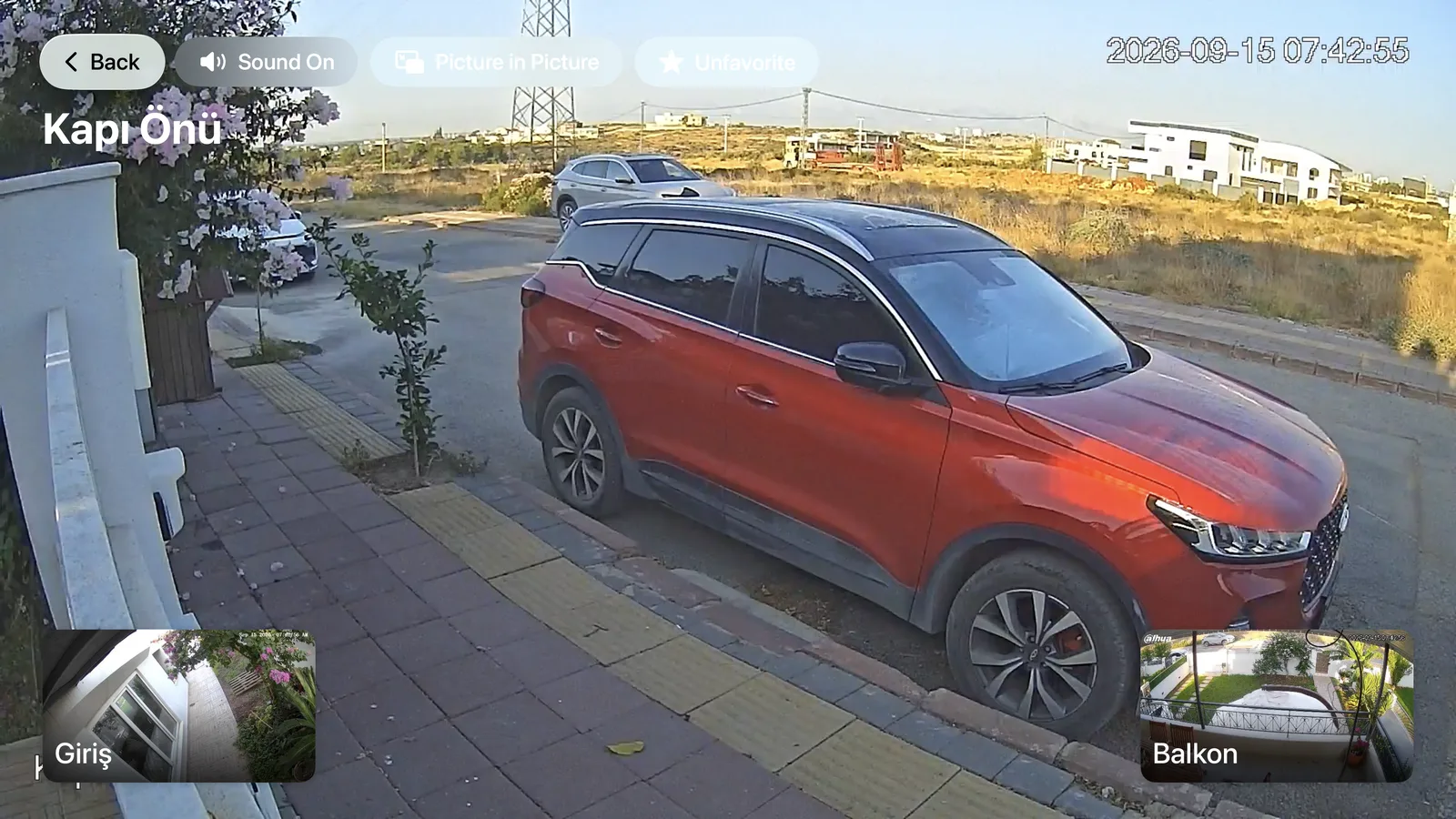
Android TV is available on Google Play. Apple TV is available on the App Store.
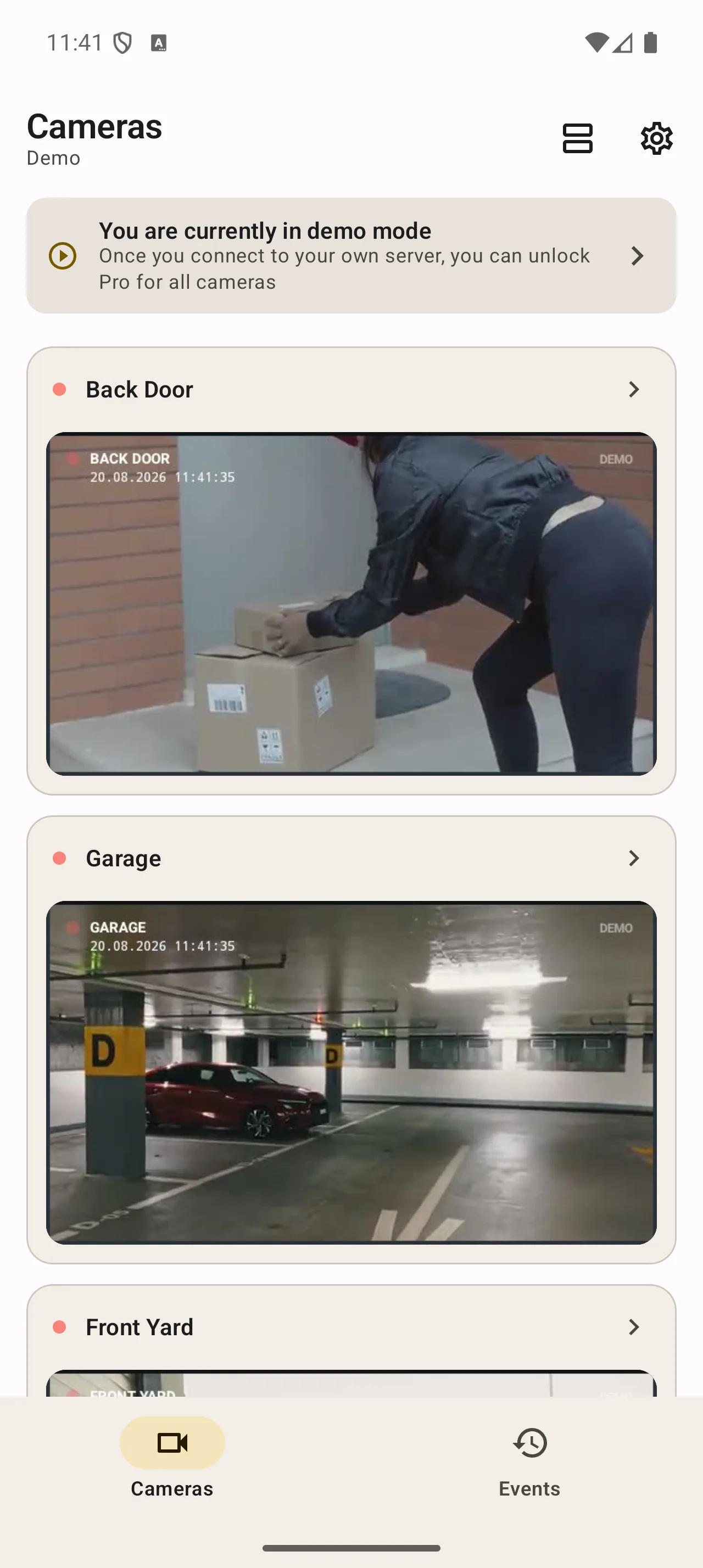
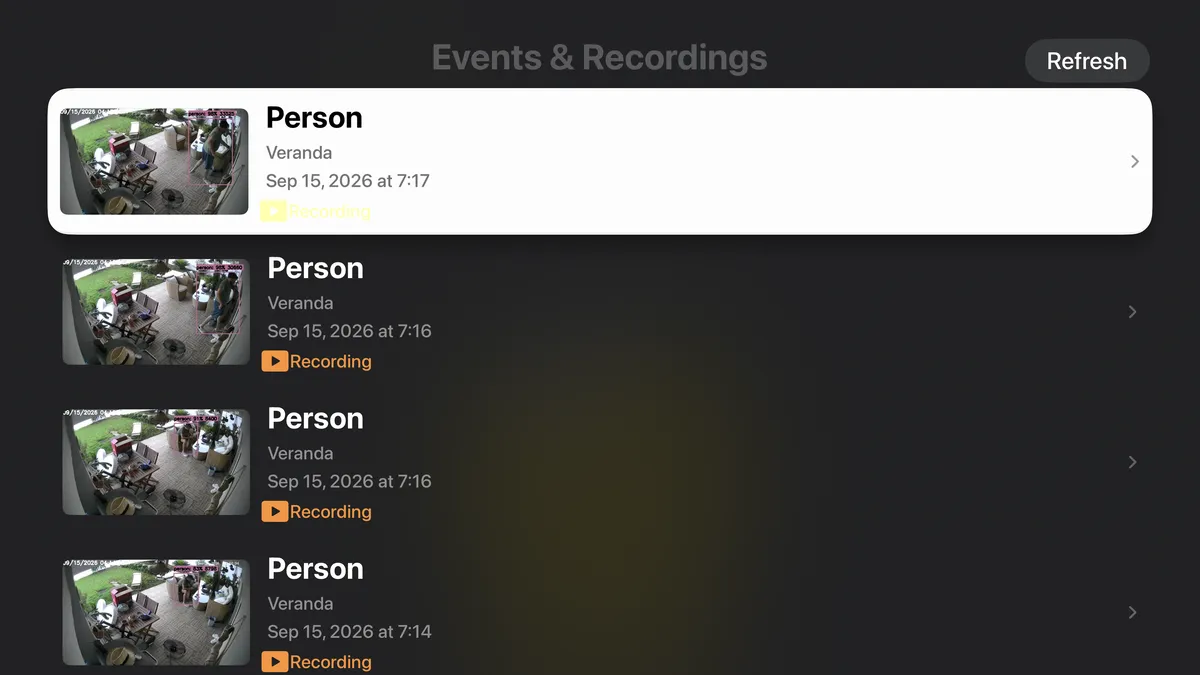
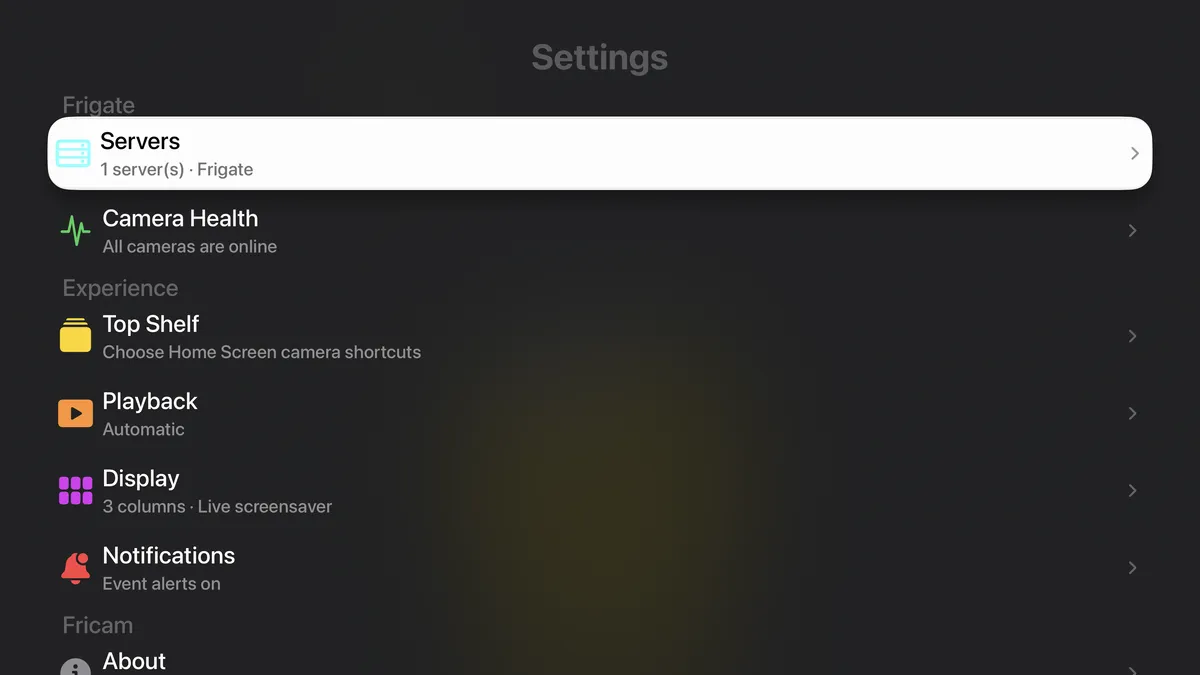
Real Fricam screens, built separately for Android and Apple devices.
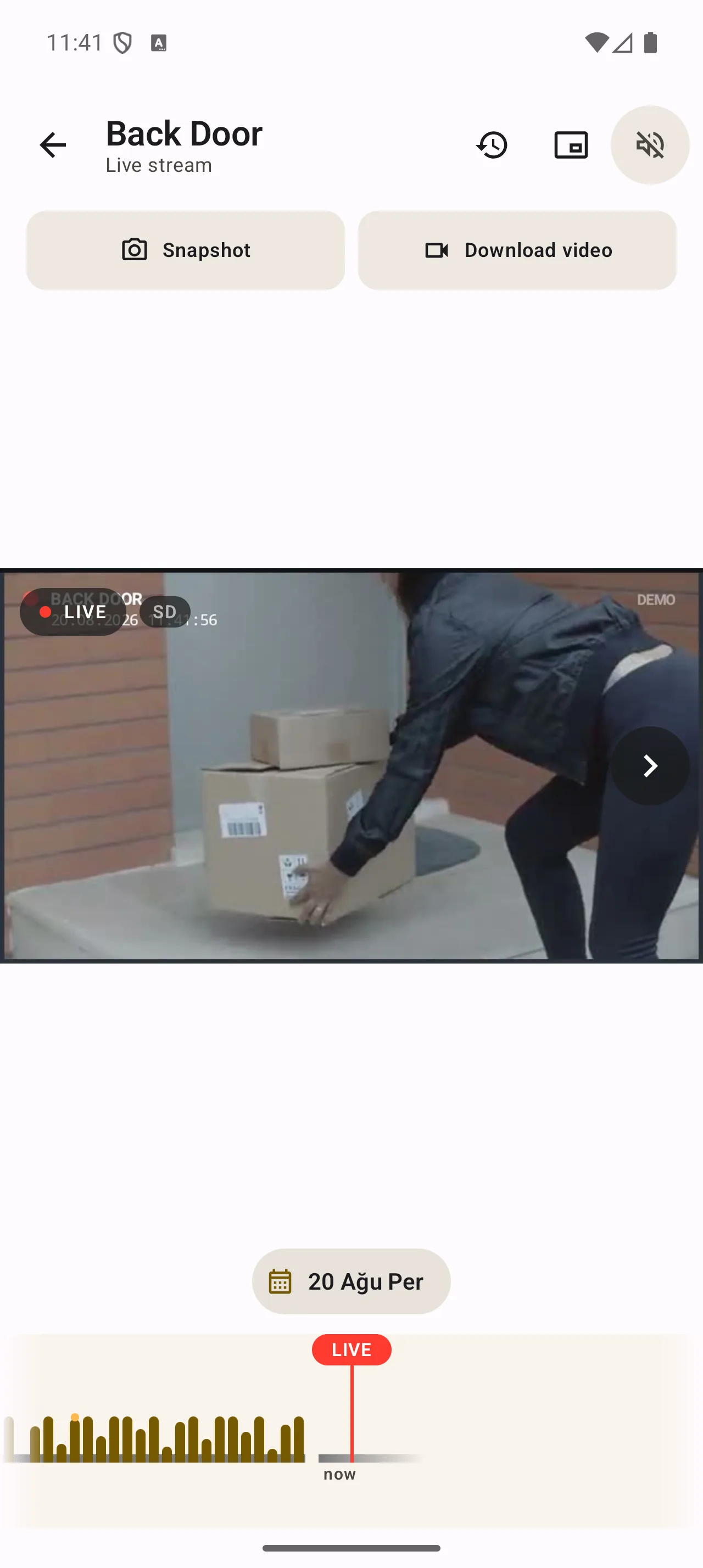
Open video quickly, control supported cameras, capture a snapshot, or save a clip.
Filter detections by camera, type, and date, then review or save the media you need.
Scan your property, refresh snapshots, and open a focused stream without navigating a desktop interface.
Rich notifications
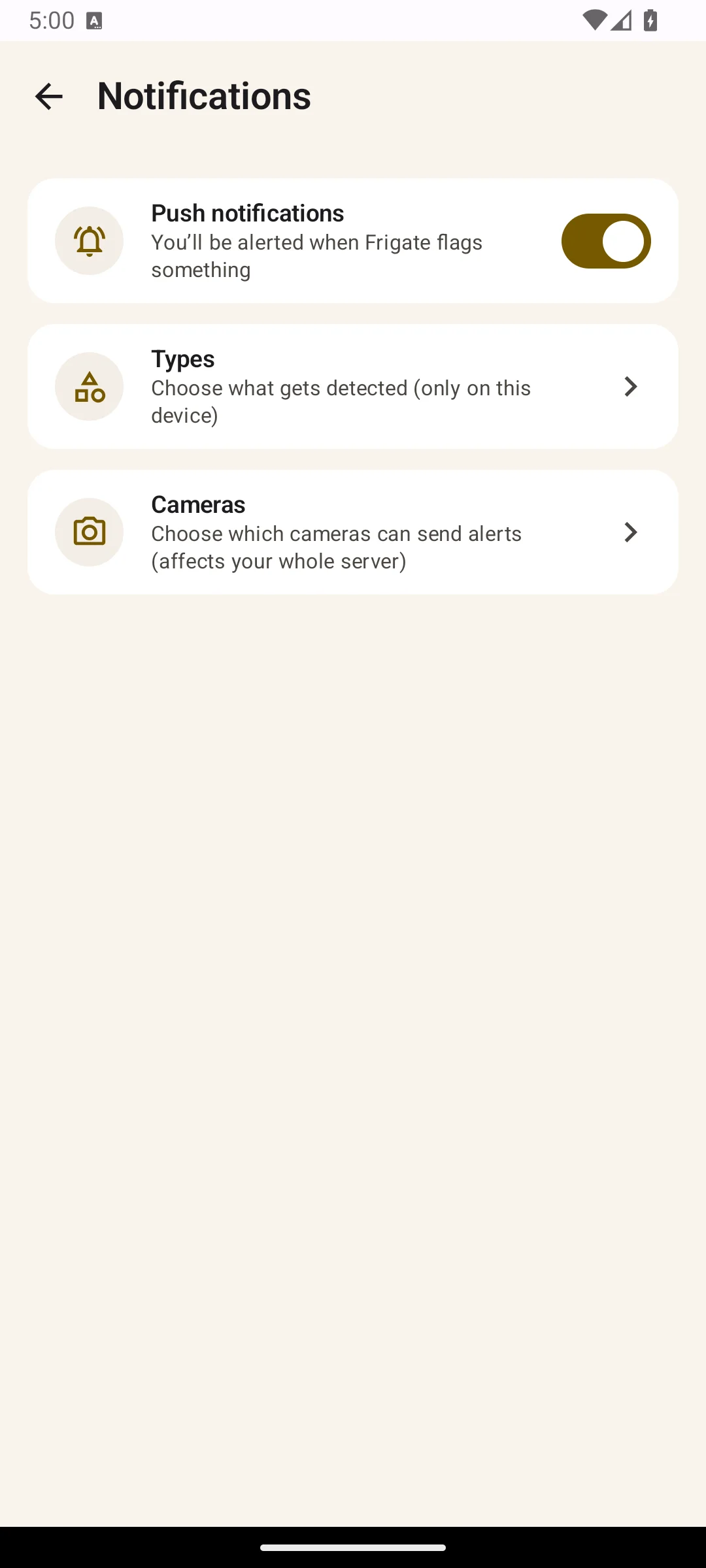
Frigate alerts arrive with the event snapshot, so a glance is often enough. Tap to open the recording at that moment, jump to live video, or mute the camera for an hour.
Requires notifications enabled on your Frigate server. Snapshots come directly from your server over your local network or through Fricam Edge.
Fricam Edge
Edge runs beside Frigate and keeps an outbound route ready. Fricam connects locally or peer-to-peer when it can, then uses the encrypted managed relay when the network gets in the way.
Fricam connects to the Frigate address you choose. Cameras, recordings, and live video remain under your control.
Read the privacy policyUse your local or existing remote address. No Fricam account is required for direct access.
Fricam Edge is an optional separate service for networks that block a direct route.
Explore Fricam Edge
The Apple Watch app shows camera snapshots and opens live video from your wrist. It is included with Fricam for iPhone and iPad.
View Fricam on the App StoreProduct details, network notes, and answers for getting the best Fricam experience.
Yes, for your own cameras. You can explore the complete app first using its built-in demo mode.
You can install Fricam and try its complete demo for free. Fricam Pro is a one-time in-app purchase for additional app features. Fricam Edge is optional and billed separately because it provides ongoing remote-access infrastructure.
No. Fricam connects directly to the server address you configure. Your camera media remains under your control.
Yes. Fricam Edge provides remote access without a public URL, VPN, or inbound port. If you already operate your own external URL, select Custom URL in server settings to bypass Edge.
Fricam Edge is an open-source service that runs beside Frigate. It gives the app a private remote route to live video, events, recordings, reviews, timeline, and snapshots, plus reliable two-way audio on supported cameras without exposing Frigate to the public internet.
Fricam Pro is a one-time license for features inside the app. Edge pays for the ongoing encrypted relay, signaling, short-lived credentials, and network infrastructure used when a direct connection is unavailable. It includes 10 GB of managed relay data each month; direct connections do not count.
Fricam uses stream names to choose the best source automatically. Names containing “hd”, “main”, “high”, “record”, or “full” are preferred for full-screen view. Names containing “grid”, “sub”, “low”, “detect”, “sd”, or “mobile” are preferred for the multi-camera grid.
Use your Frigate server’s local IP address or a .local or .lan hostname, and make sure go2rtc ports 8554 and 1984 are reachable from your phone. Fricam can then use the fastest local path; otherwise it falls back to proxied transports that may take longer to start.
Yes, if the proxy can accept a static API token instead of an interactive login page. In Authentik, open your user menu (top right) → Tokens and App passwords → Create, then copy the generated key. In Fricam, open the server’s settings, expand Advanced, and add a header named Authorization with the value Bearer <your token>. Fricam sends that header on every request to this server, including live and recorded video, so the proxy can authorize the app without showing a login page. Other SSO proxies work the same way as long as they support a static token or API key header.
Pro users can connect Home Assistant on Android and iOS and place controls for lights, locks, doors, and other entities directly on selected camera views. Each action can have its own label, icon, color, behavior, and optional confirmation.
Yes. Fricam attaches the event snapshot, opens the recording at the moment of detection, and offers actions for live view or muting that camera for an hour. Follow-up messages update the existing alert. Your Frigate server must have notifications enabled.
Directly from your Frigate server. Fricam downloads the review thumbnail over your local network, or through Fricam Edge when you are away. Nothing passes through a third-party image service. With biometric lock enabled, the snapshot and event details stay hidden until you unlock the app.
Fricam has native apps for Android, Android TV, iPhone, iPad, Apple Watch, and Apple TV. Each interface is designed for its device rather than sharing one layout.
Fricam for Android TV is available on Google Play, and Fricam for Apple TV is available on the App Store.
Yes. Once your server connection is configured on iPhone, the Watch app connects directly to your Frigate server to show live camera snapshots and open live video, without needing the iPhone app open or nearby.
Open the demo now. Connect your Frigate server when you are ready.